STAGE 1 MISSION CONTROL
GREAT STREAMS START HERE ...
The Scraplet Broadcast Studio pushes your content further.
A weapons‑grade suite of tools and utilities that keeps your streams sharp, reactive, engaging — and locked firmly under your control.
Everything runs through a central command dashboard — your mission control. From here you launch overlays, fire automations,
deploy Scrapbot, track intelligence, and steer the entire show in real time. Every system talks to every other system.
Every action can trigger another. Scraplet turns your stream into a live environment where the tools move with you, not against you.
STAGE 2 PROTECTION & STABILITY
Stable channels for when chat goes nuclear.
Floods. Swarms. Repetition. Link spam. When chat gets heavy and moderators step away, Scrapbot never does. It treats noise like contamination
and neutralises threats before they take over the show.
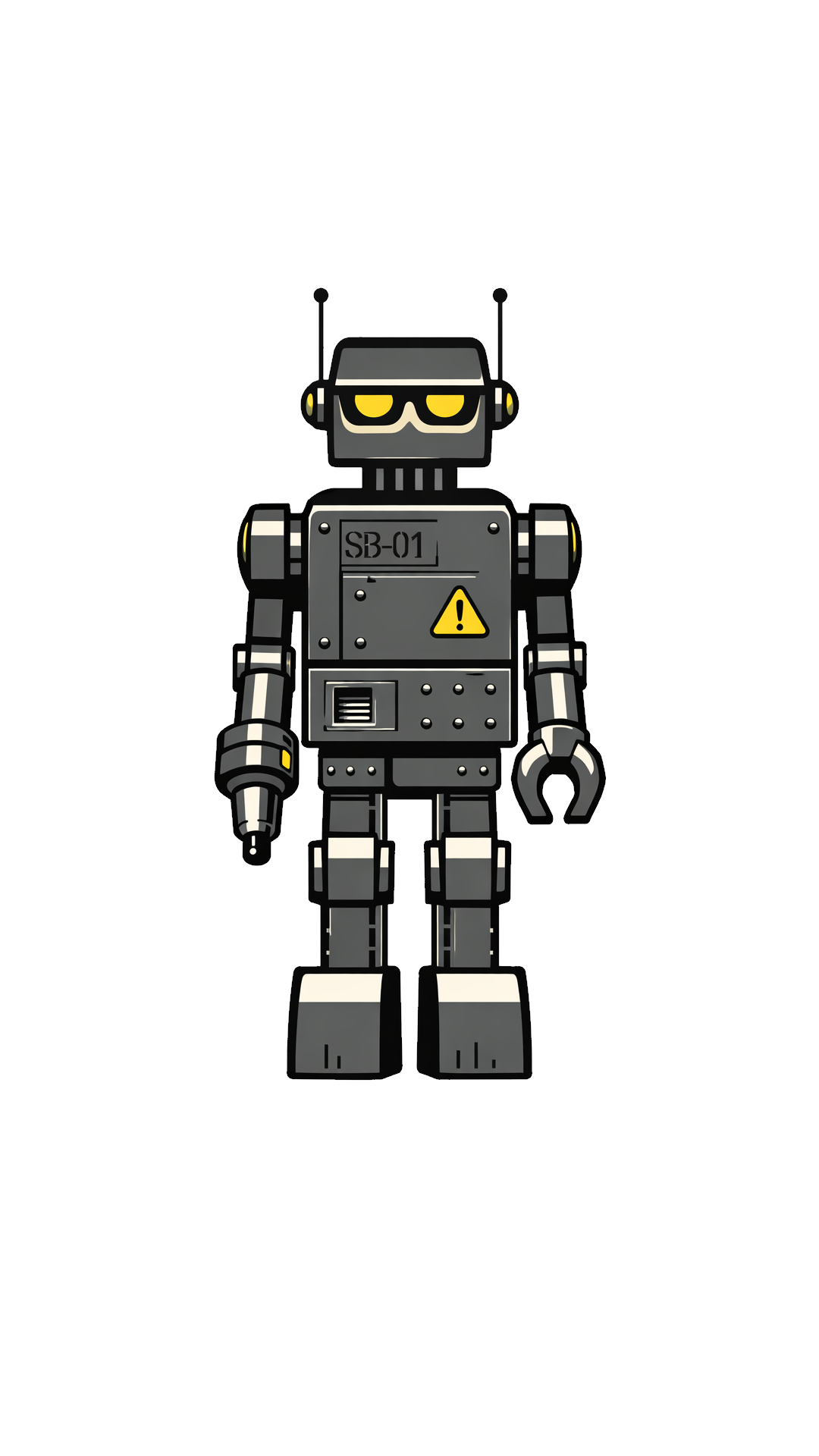
Never get tilted by spambots live on air again - Scrapbot has your back.
Your dashboard sets the strategy, then Scrapbot executes it with ShieldGuard(tm) and FloodGuard(tm) running on battle-tested
defaults, keeping your channel safe from harm.
STAGE 2a AUTOMATION & Monitoring
Scrapbot is next-gen sophistication.
Not just a chat bot, not just a mod bot, Scrapbot is powerful enough to be your show producer. Constantly monitoring your chat and
broadcast systems to determine actionable intel and tee up automations.
Raid, Donation and Command sequences
Moment markers, Intent Registers and Actionable Intel
World class moderation
STAGE 2b Engagement
Scrapbot as Show Producer.
As the ingest for all interaction, Scrapbot is positioned to act on intel anywhere in the system. It consumes data from
chat, widgets, overlays and the rest of the Broadcast Studio ecosystem to conduct your stream activity like a pro show runner.
STAGE 3 Widgets & Overlays
A huge ecosystem of Engagement Tools.
Familiar favourites like Chat Alerts, Dono Trackers and Hype Trains to more esoteric but uniquely compelling 'Lab Projects'.
Every widget is made with customisability and audience engagement in mind with cross-platform integration as standard. As an example, your Chat overlays will
pull from Youtube, Kick, Twitch and even Discord - effortlessly.
And sofar as Discord is concerned - Disco Scrapbot can even publish content from designated channels live to your stream.
STABLE!
STABLE!
countermeasures active
STAGE 3a OVERLAYS & OUTPUT
Overlays wired to tools — not glued to scenes.
CTAs, lower-thirds, welcome panels, show markers triggered by
Scrapbot... Overlays built for dynamic production.
Scraplet doesn't try to sell you endless amounts of bland overlays - The system lets you create your own from within the fully-featured
overlay and lower thirds editor. If you have used a tool like Figma, you will be comfortable here.
Import or create your own assets
then watch as you bring them to life using state triggers or variables.
STAGE 3b Minigames & Lab Projects
Next Level Engagement for your Channel.
Energy dipping? Deploy one of the many mini games found in the Scraplet Eco-System. From casino-games like Blackjack, Roulette
and Plinko to Guessing games and fortune telling. Scrapbot can single handedly keep your audience entertained.
STAGE 4 STUDIO CONTROLLER
Creator, take the conn.
The Scraplet Broadcast Studio comes together here. The Studio Controller unifies your overlays,
triggers, system intelligence, and introduces professional‑grade tools like a fully realised Rundown and Teleprompter.
It’s not static — the surface adapts to your moment, shifting as the show evolves. This is the calibre of tooling found
in real broadcast control rooms, and now its power is yours.
Plan the show. Run the show. Adjust the show mid-flight. Everything you need now lives on one surface.
DEPLOY READY TO LAUNCH
Run your channel like a live production.
Connect your channel, arm Scrapbot and add a widget or an overlay. Go full send or test a bit at a time. The Scraplet Broadcast Studio adapts.