SCRAPLET · CHANNEL AUTOMATION

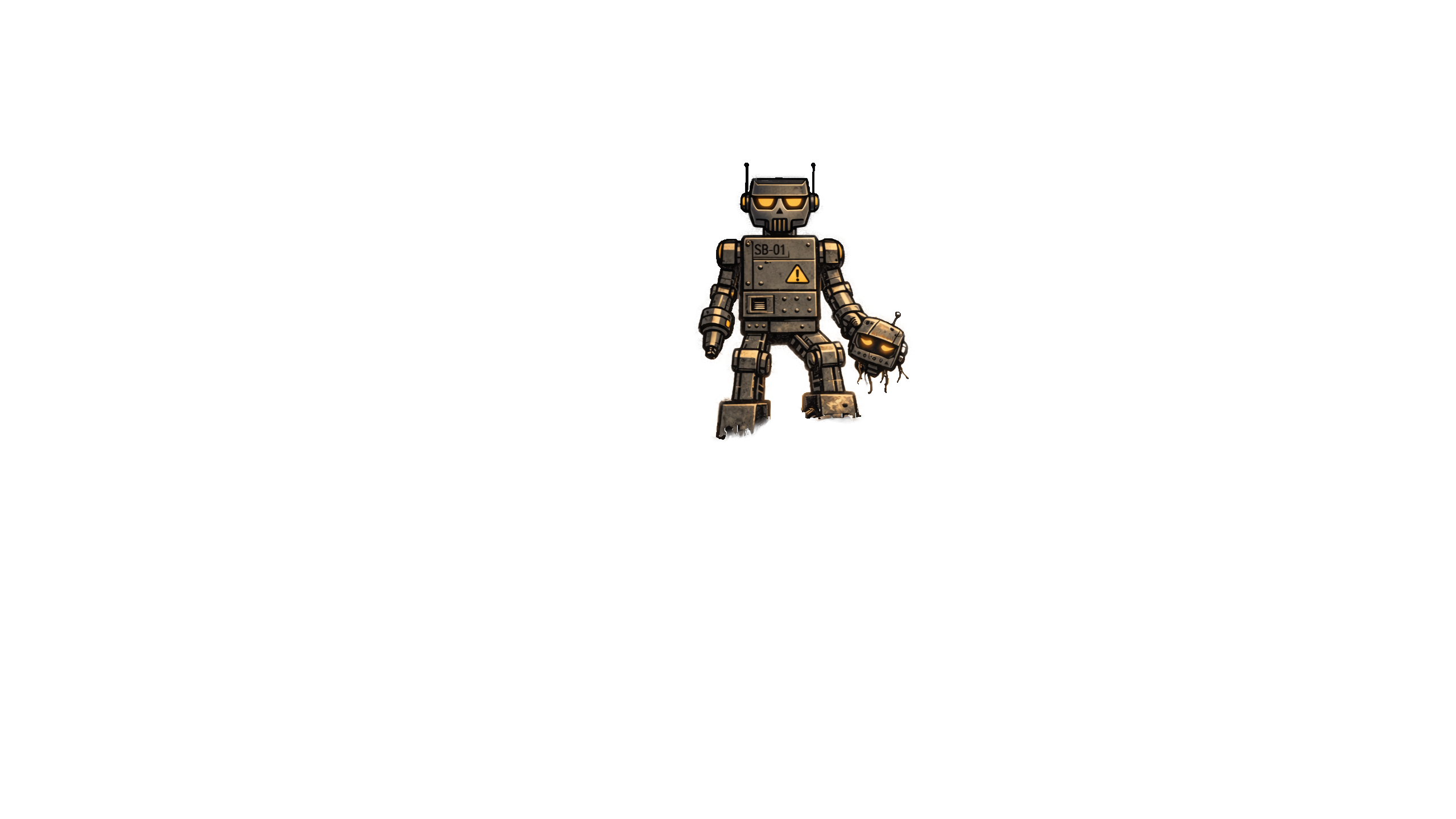
Scrapbot is the part that watches your channel and reacts with you.

It's not a noisy personality bot. It's the automation layer wired into your overlays and dashboard — shoutouts, CTAs, raids, channel events and production actions, all in sync with what's actually happening on stream.

Scrapbot is optional, but it unlocks the best parts of Scraplet — especially when you start running more structured shows.

THE SHORT VERSION

Scrapbot sits in your channel, listens to events from Kick, and exposes controls in the Scraplet dashboard that actually matter while you're live: shoutouts, overlays, CTAs, raid handling, channel moments and timing.

NOT JUST ANOTHER CHAT BOT

Most bots live only in chat and spam commands. Scrapbot treats chat as one input among many. It's more like a backstage assistant for your show than another character in it.

WHAT SCRAPBOT ACTUALLY DOES

A channel-aware assistant, not a gimmick.

Scrapbot watches channel events from Kick and connects them to actions in Scraplet. It can trigger overlays, flag big moments, surface tools in the dashboard and keep your calls-to-action in sync with what chat is doing.

You keep control. Scrapbot doesn't talk unless you tell it to, and it doesn't try to become part of the show. It just makes it easier to run one.

EVENT AWARE

Knows when something important happens.

Raids, follows, subs, spikes in chat volume — Scrapbot reads the room through Kick's APIs and keeps the right tools one click away in Scraplet.

OVERLAY-AWARE

Talks directly to your overlays.

Commands and automations can drive overlay actions: show a CTA bar, swap a lower third, flash a panel, highlight a clip moment — all without extra browser tabs.

DASHBOARD-INTEGRATED

Surfaces tools where you're looking.

Scrapbot doesn't have its own dusty control panel. You manage it from the Scraplet dashboard: same place as your overlays, show layout and basic stats.

UNDER CONTROL

You decide how visible it is.

Keep it almost silent, or let it act as a quiet co-host that reinforces what you're already saying. Controls for tone, frequency and behaviour live where they should: in your dashboard.

HOW SCRAPBOT FITS

Sits between Kick and Scraplet — not inside your OBS scenes.

OBS stays where it is. Your alerts stay where they are. Scrapbot plugs into Kick on one side and Scraplet on the other, so you get automation and control without rewriting your entire tech stack.

1 · PLATFORM

Kick

Channel events, chat, raids, follows and subs live here.

2 · BOT

Scrapbot

Watches the channel, parses events, exposes actions into Scraplet.

3 · CONTROL

Scraplet dashboard

Where you see what's happening and trigger what happens next.

4 · OUTPUT

Overlays & show

What chat actually sees: panels, CTAs, shoutouts, reactions.

WHAT IT CAN DO TODAY

Command examples that actually map to live usage.

These are the kinds of things Scrapbot is built to handle. The point isn't to flood chat with tricks — it's to back up what you're already doing on mic and on screen.

Command / trigger What chat sees What you get
!so @creator

Fired by you or a trusted mod.

A clean shoutout line plus a lower-third overlay promoting the creator for a few seconds. Zero alt-tabbing. One command handles both chat and on-screen treatment.
!clip

Or a dashboard button, if you prefer.

Optional confirmation in chat that the moment was marked. Scrapbot flags the timestamp for later, and can trigger a subtle "moment saved" overlay for your own awareness.
Raid detected

No command — triggered by Kick events.

A short welcome line, a temporary overlay panel, and an optional CTA banner telling new viewers what's happening. You don't have to build your own "raid sequence" from scratch every time. Scrapbot and Scraplet give you a baseline out of the box.
Timers & segment markers

Configured in the Scraplet dashboard.

Lightweight reminders in chat, if you want them — no walls of text. Structured show segments, easier VOD navigation later, and fewer "oh yeah, I forgot to mention…" moments.

Exact behaviour will evolve, but the philosophy stays the same: useful, quiet, and in sync with the tools you already use.

BRING SCRAPBOT INTO YOUR STACK

Add a backstage assistant that actually understands your show.

Invite Scrapbot once, wire it through Scraplet, and stop trying to duct-tape bots, overlays and dashboards together mid-stream.

No separate login. No extra dashboards. It lives where the rest of your show tools live.